Physical Address
304 North Cardinal St.
Dorchester Center, MA 02124
Physical Address
304 North Cardinal St.
Dorchester Center, MA 02124
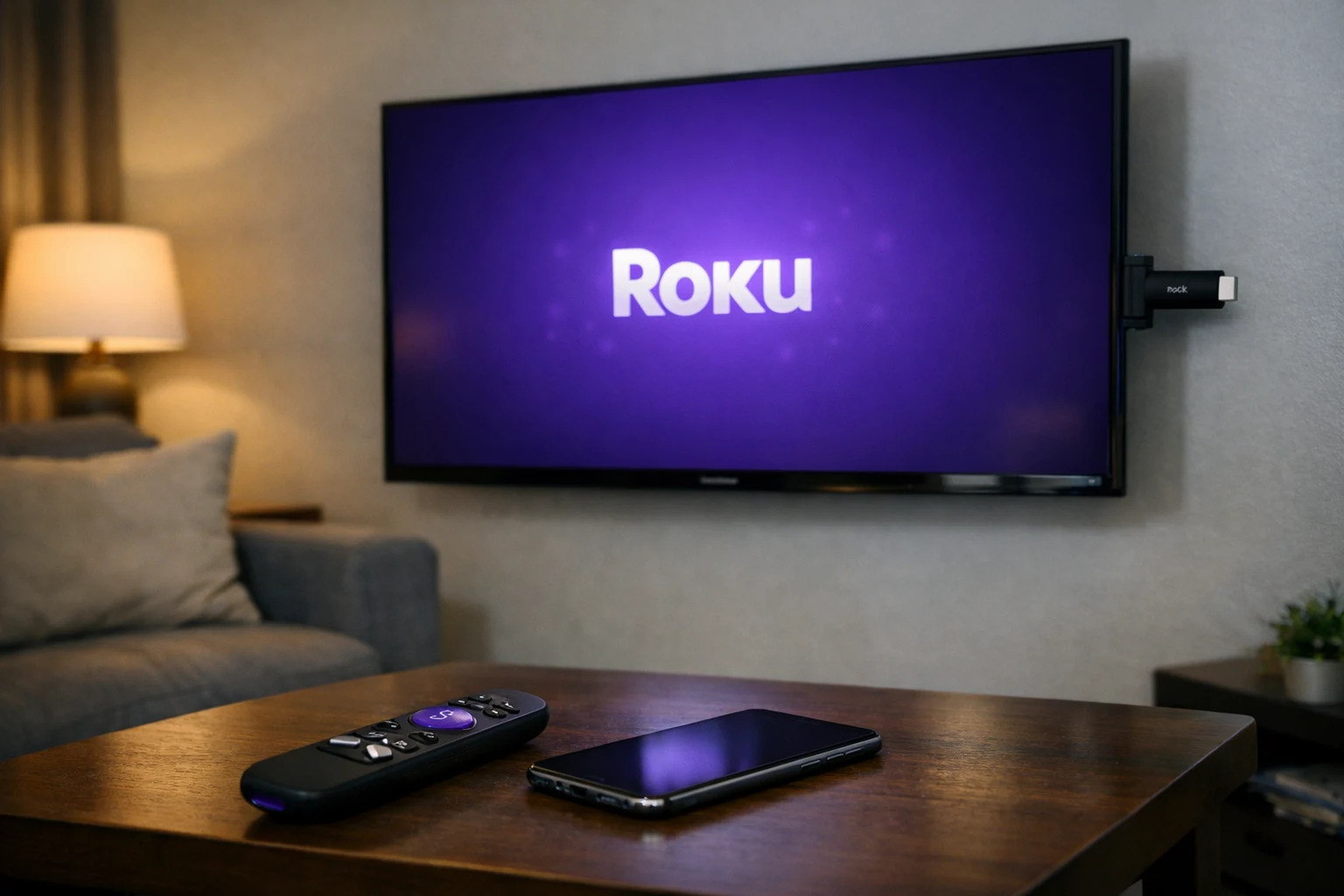
If your Roku keeps restarting, you’re dealing with one of the most common and most frustrating streaming device problems. The screen goes black, the Roku logo appears, and just when you think it’s working — the Roku keeps rebooting all over again.
This Roku restart loop can happen on any model, including the Roku Stick, Roku Express, Roku Ultra, and Roku TV models from brands like TCL, Hisense, and Onn. Whether your Roku keeps turning off and on after an update or it started randomly, the problem is almost always fixable at home.
This step-by-step guide covers every proven method to fix Roku restarting issues — starting with the simplest solutions first. No technical skills required.
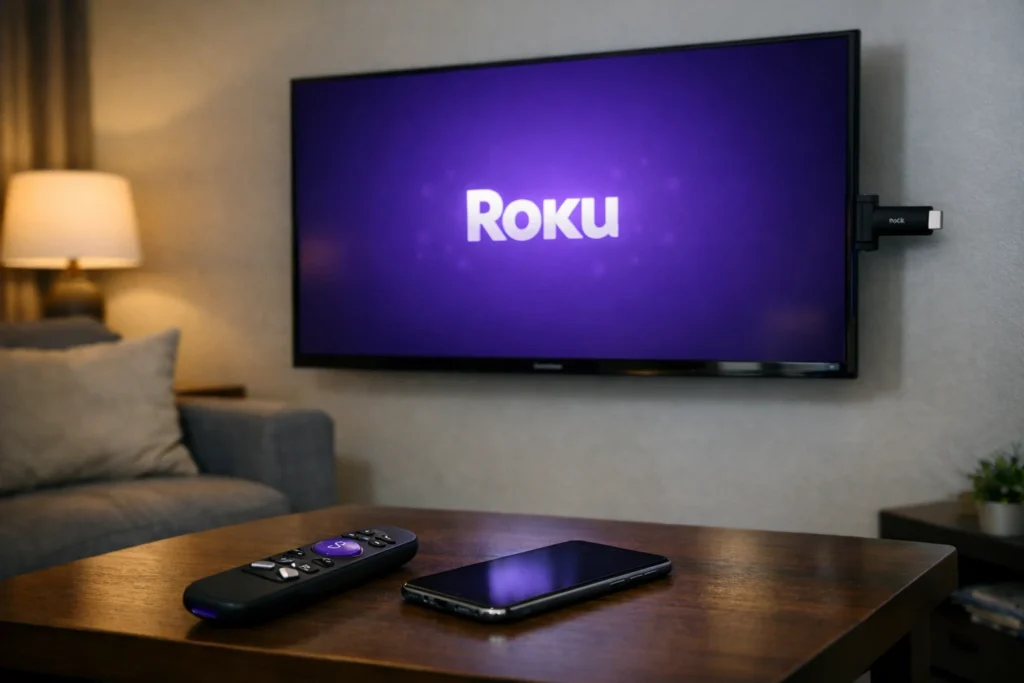
If your Roku keeps restarting, unplug the device from power for 60 full seconds, then plug it back into a wall outlet (not a TV USB port). If the Roku keeps rebooting after that, check your power cable, try a different HDMI port, update your software, and factory reset as a last option.
Before jumping into fixes, understanding why your Roku keeps restarting helps you solve it faster. Here are the top causes:
In most cases, the reason your Roku keeps restarting comes down to power or overheating — both easy to fix.
Follow these methods in order. Start with Fix 1 and move forward only if your Roku keeps restarting.
Why this works: A full power cycle clears temporary glitches that cause the Roku restart loop.
This single step resolves the Roku restarting issue for many users.
Why this works: Insufficient power is the most common reason a Roku keeps rebooting. TV USB ports don’t deliver consistent voltage.
If your Roku keeps turning off and on even with the original adapter, try a replacement rated at 5V/1A or higher.
Why this works: A faulty TV HDMI port can cause signal interruptions that make your Roku keep restarting.
This is especially useful on TCL Roku TVs, Samsung TVs, and Hisense TVs where certain ports handle signals differently.
Why this works: Third-party HDMI extenders introduce signal interference that triggers the Roku restart loop.
If space is tight, use only the short HDMI extender cable included in the Roku box.
Why this works: Roku devices have a built-in safety feature that causes automatic restarts when the device overheats. If your Roku keeps rebooting, heat may be the reason.
Overheating is a very common reason the Roku keeps turning off and on, especially with streaming sticks mounted behind TVs.
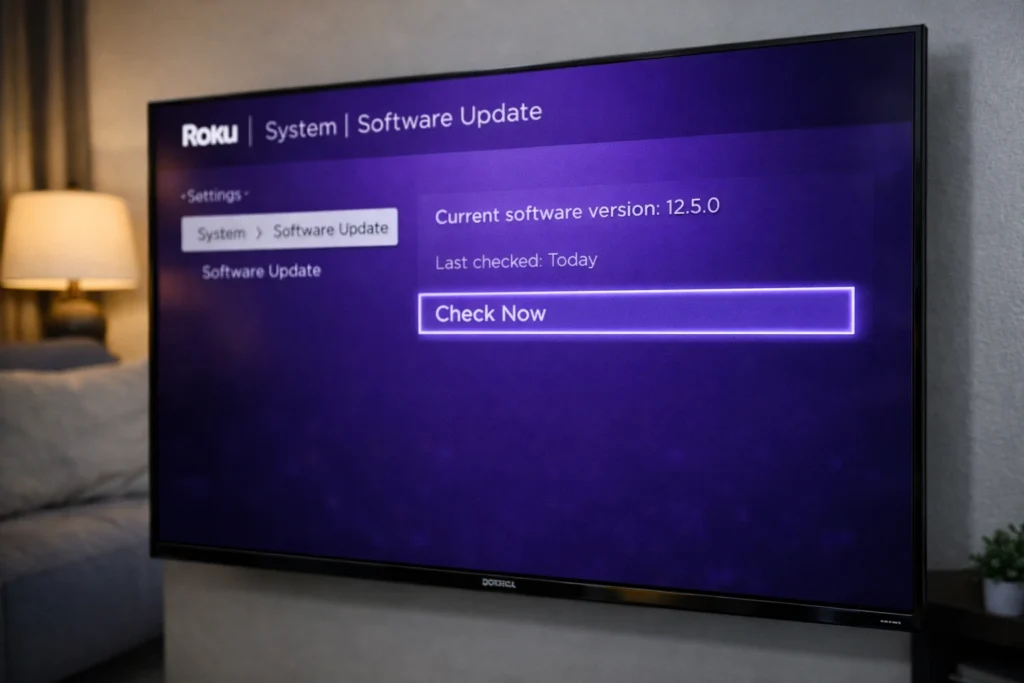
Why this works: Software bugs are a known cause of Roku restarting issues. Updates patch these problems.
If your Roku keeps restarting before you can reach the menu, connect it to a different TV temporarily to complete the update.
Why this works: A buggy or incompatible app can crash the system and make your Roku keep restarting.
Think about which app you installed right before the Roku restart loop began.
Why this works: The Bandwidth Saver feature can cause system instability on certain models, leading to the Roku keeps restarting issue.
This lesser-known fix has helped many users stop Roku from restarting according to Roku community forums.
Why this works: If the Roku outputs a resolution your TV can’t handle smoothly, the conflict can cause the Roku to keep rebooting.
You can switch back once you confirm the Roku keeps restarting issue is resolved.
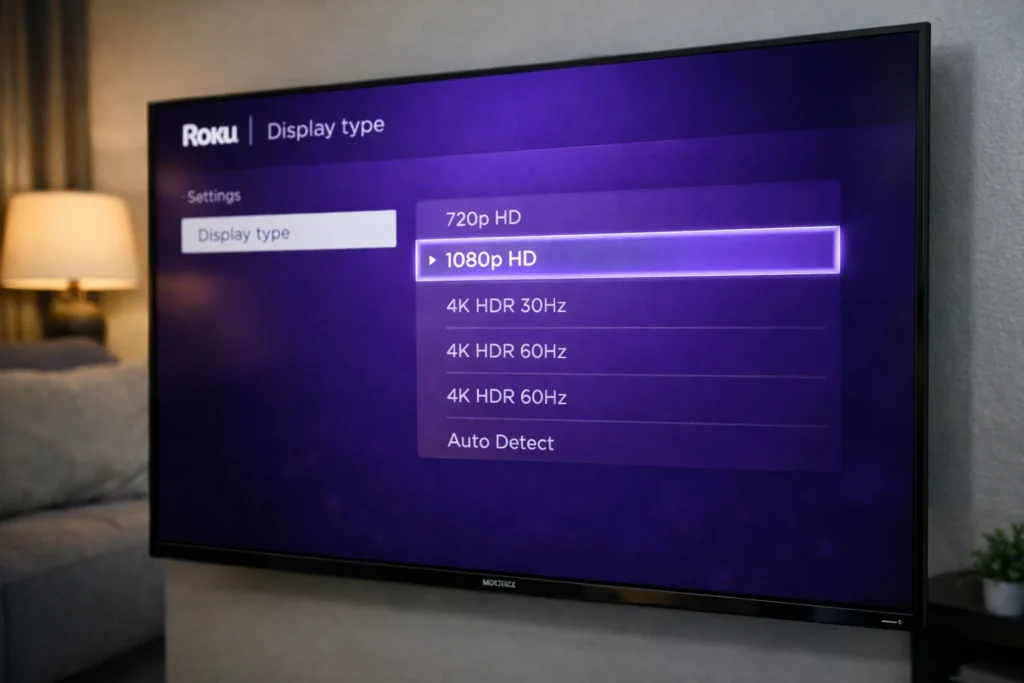
Why this works: A factory reset erases all data and eliminates any software corruption causing the Roku restart loop. Use this only after all other fixes fail.
Option A: From the Settings Menu
Option B: Physical Reset Button (If Roku Keeps Restarting and You Can’t Access Settings)
⚠️ Warning: Factory reset erases everything. You’ll need to sign back into your Roku account and reinstall channels.
🔧 Quick Checklist When Roku Keeps Restarting
- ✅ Always power your Roku through a wall adapter, not a TV USB port
- ✅ Look for a solid white LED (normal) vs. flashing/red light (problem)
- ✅ Test the Roku on a different TV to rule out TV-related causes
- ✅ Replace your Roku remote batteries — weak remotes can send erratic signals
- ✅ Confirm your internet connection is stable
- ✅ Check if the Roku keeps rebooting only on specific apps or all the time
Once the problem is fixed, follow these tips so your Roku keeps restarting issue never comes back:
The most common reason your Roku keeps restarting is an insufficient power supply. If you’re powering the device through a TV USB port, switch to a wall adapter immediately. Overheating, HDMI issues, and software bugs are other common causes of the Roku restart loop.
To stop Roku from restarting, unplug it for 60 seconds, then plug it into a wall outlet with the original adapter. If the Roku keeps rebooting, try a different HDMI port, check for overheating, update the software, or factory reset as a last step.
Yes. A damaged or low-quality HDMI cable causes signal interruptions that trigger the Roku restarting problem. Replace it with a certified high-speed HDMI cable to fix the issue.
When your Roku keeps turning off and on, it’s usually a power or overheating issue. Make sure the device is plugged into a wall outlet (not a TV USB port) and placed in a ventilated area. A software glitch can also cause the Roku to keep rebooting.
If your Roku keeps restarting even after a factory reset and you’ve confirmed the power supply and HDMI connections are fine, the device likely has a hardware problem. Contact Roku Support for warranty assistance or consider purchasing a replacement.
When your Roku keeps restarting, the fix is usually simpler than you think. In most cases, switching from a TV USB port to a wall power adapter immediately stops the Roku restart loop. If that doesn’t work, checking your HDMI connection, fixing overheating, updating software, and removing problematic apps will resolve the problem.
Follow this guide from Fix 1 through Fix 10 in order, and your Roku restarting issue will be history. Save this page for future reference — if the Roku keeps rebooting again, you’ll know exactly what to do.