Physical Address
304 North Cardinal St.
Dorchester Center, MA 02124
Physical Address
304 North Cardinal St.
Dorchester Center, MA 02124
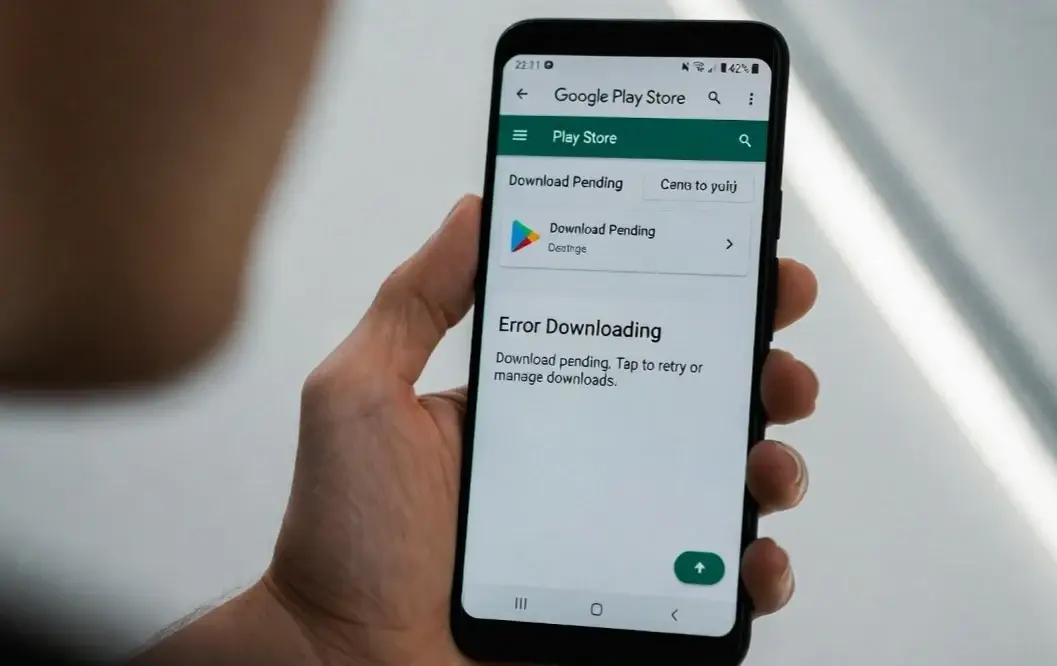
If your Android apps are not installing from Play Store, you are not alone. This is a very common issue for Android users, especially on Samsung, Xiaomi, Realme, OnePlus, and other devices.
Sometimes the download gets stuck at “Pending.”
Sometimes it shows an error like “Can’t install app” or “Download failed.”
In other cases, nothing happens at all.
The good news? Most Play Store installation problems are easy to fix. You do not need technical skills. In this guide, I will walk you through simple, step-by-step solutions like a technician helping you in person.
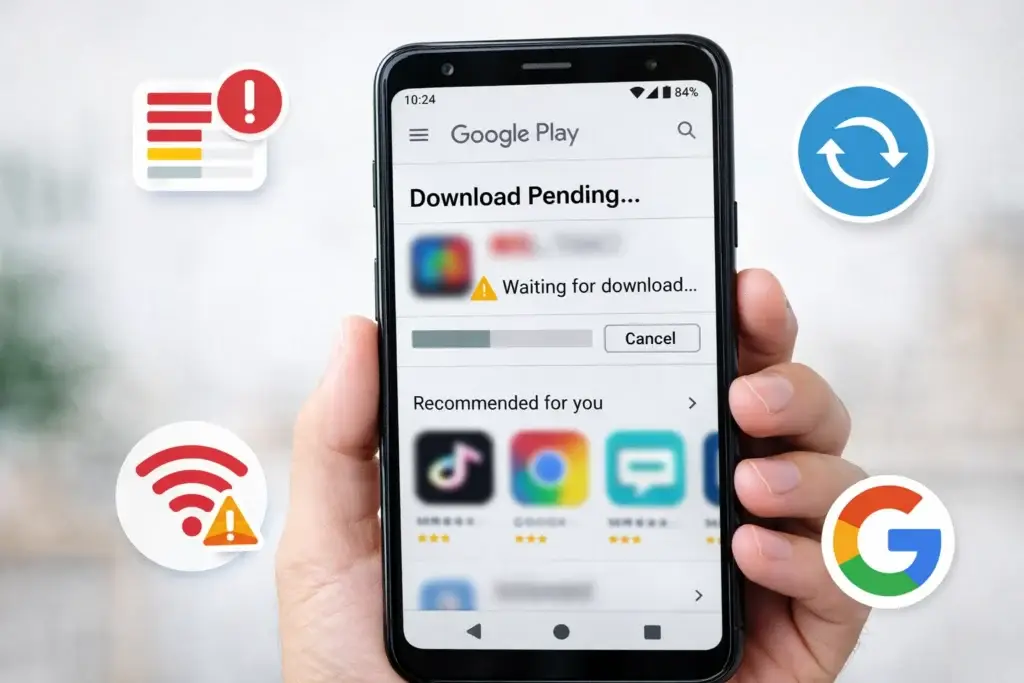
If Android apps are not installing:
In most cases, clearing the Play Store cache fixes the issue.
Understanding the cause helps you fix it faster.
Here are the most common reasons:
| Problem | Why It Happens | Result |
|---|---|---|
| Poor Internet | Weak Wi-Fi or mobile data | Download stuck on “Pending” |
| Low Storage | Not enough space | Installation fails |
| Corrupted Cache | Play Store temporary files damaged | App won’t install |
| Outdated Software | Old Android version | Compatibility errors |
| Google Account Issue | Sync error | Download fails |
On Samsung phones, this may happen after a system update.
On Xiaomi devices, battery saver or security apps may block downloads.
Now let’s fix it step-by-step.
Start with the easiest solution first.
This sounds simple, but it works often.
Restarting clears temporary system errors and refreshes background services that may block Play Store downloads.
If apps are stuck on “Pending,” internet is usually the issue.
Play Store needs a stable connection to download apps. Weak signals interrupt installation.
✅ Try opening YouTube. If videos don’t load, your internet is the problem.
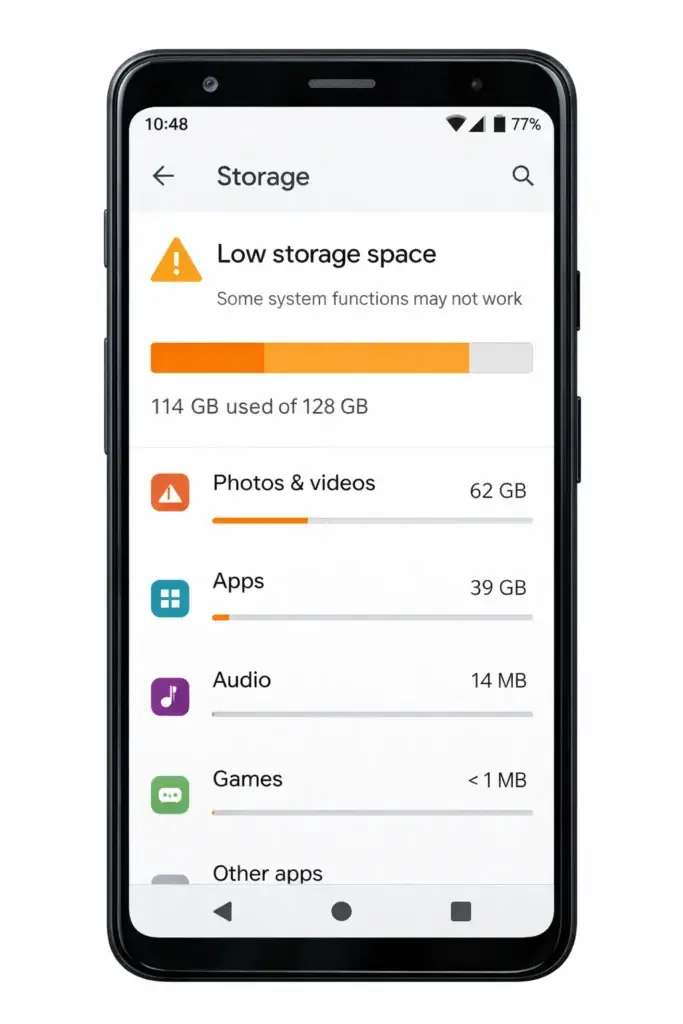
Apps cannot install if storage is full.
If storage is low:
Android needs extra temporary space to unpack and install apps.
📌 Keep at least 1GB free for smooth performance.
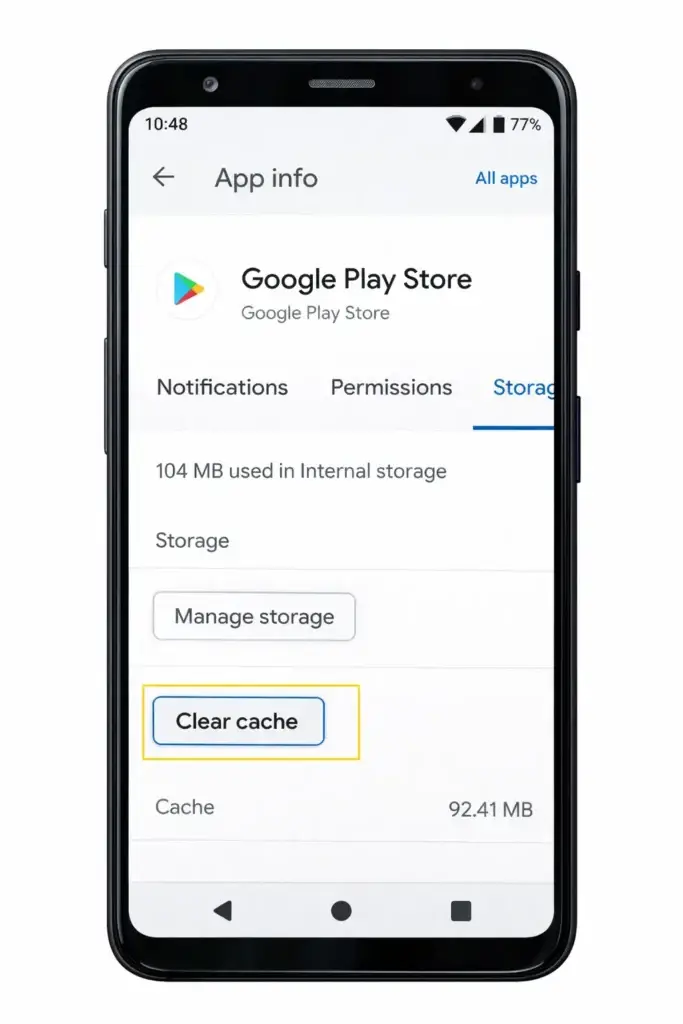
This fixes most installation problems.
If still not working, tap Clear Data (don’t worry, apps won’t be deleted).
Cache files may become corrupted and block downloads. Clearing them forces Play Store to create fresh files.
Play Services runs in the background and manages app downloads.
Restart your device.
If Play Services glitches, Play Store cannot install apps properly.
If there is a sync issue, apps may not install.
This refreshes authentication and fixes account-related download errors.
⚠️ Make sure you know your Google password before removing the account.
Old software can cause compatibility issues.
New updates fix bugs that stop apps from installing.
Samsung and Xiaomi users especially should check this after major updates.
Wrong time settings can block downloads.
Google servers require correct time to verify downloads.
If apps still won’t install:
✅ Try installing a different app
✅ Check if Play Store is down (search: “Is Google Play down?”)
✅ Disable VPN temporarily
✅ Turn off Battery Saver mode
Avoid these errors:
These mistakes can make the problem worse.
To avoid Android apps not installing from Play Store in the future:
Prevention keeps your device healthy.
This usually happens because of poor internet, multiple apps downloading at once, or Play Store cache problems.
The issue may be corrupted cache, outdated Play Services, or a Google account sync error.
Clear Play Store cache and restart your phone. Also check storage space.
Yes, malware or unsafe apps can block installations. Install a trusted antivirus and scan your device.
Samsung devices may block downloads due to battery optimization, system update bugs, or storage limits. Follow the cache-clearing steps above.
If your Android apps are not installing from Play Store, do not panic. The problem is usually simple.
Start with:
Most users fix the issue within minutes using these steps.
Follow the solutions in order, and your Play Store should work again.
[…] Android Apps Not Installing From Play Store Fixes You Must Try […]
[…] Android Apps Not Installing From Play Store Fixes You Must Try […]
[…] Android Apps Not Installing From Play Store Fixes You Must Try […]
[…] Android Apps Not Installing From Play Store Fixes You Must Try […]